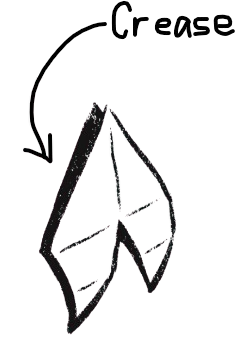
Play as Crease, an unfolded piece of origami paper, collecting abilities and new origami forms all while battling Tearer's minions whose only goal is to destroy the creativity of paper: thumbtacks, scissors, and staplers.

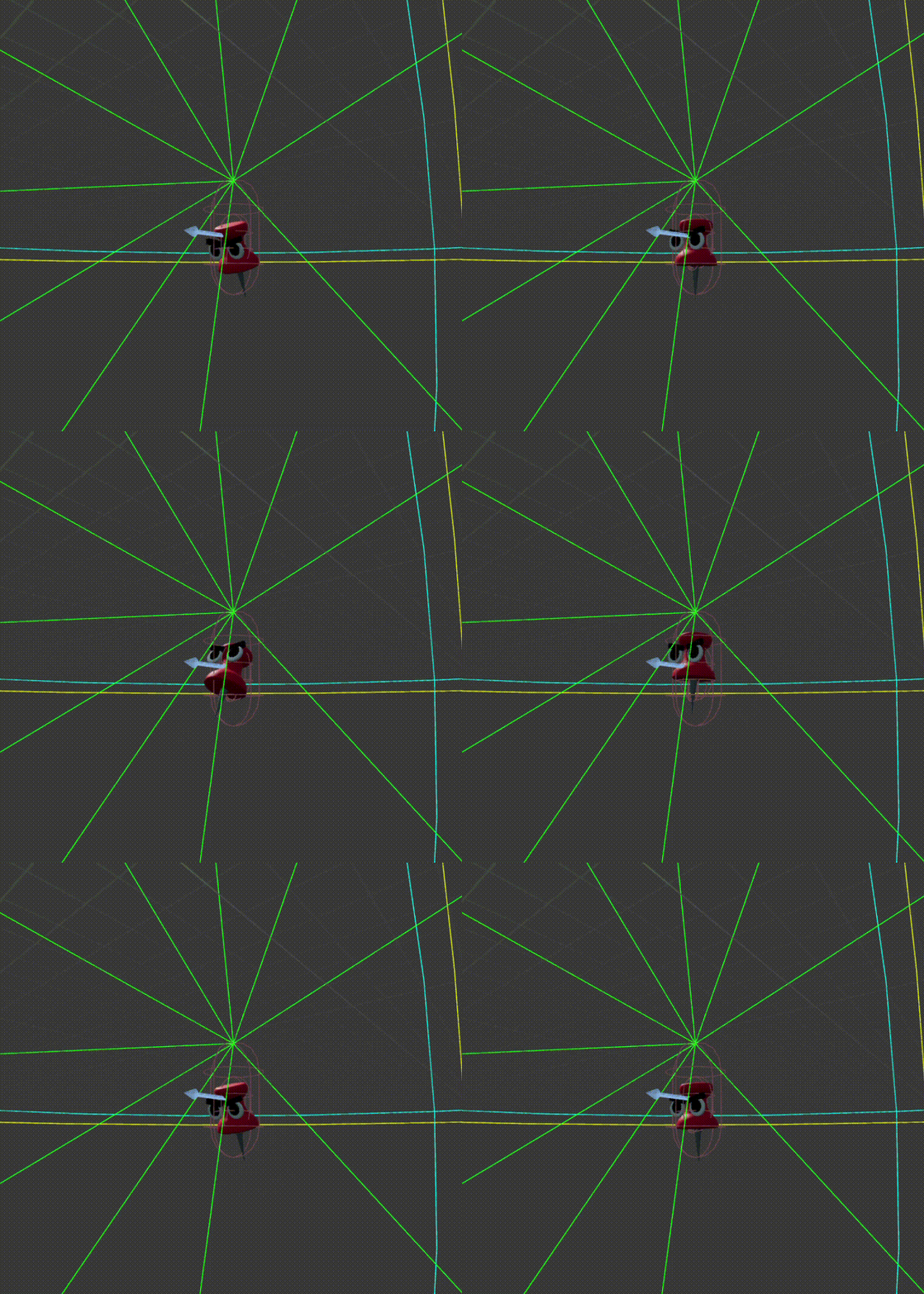
The thumbtacks are a base enemy that will walk around and then follow the player if they see them. Once in range, they will attack, doing knockback and damage. The tacks are easy to kill, only having 1 health.
The scissors are a little hardier, taking 2 hits to kill. They walk around scanning for the player, then chase and then snap at them. The player can slide to avoid the attack.
I worked on a lot of environmental programming, including keys that open certain doors, sticky notes that are animated and show the player how to play, and enemy spawner logic.
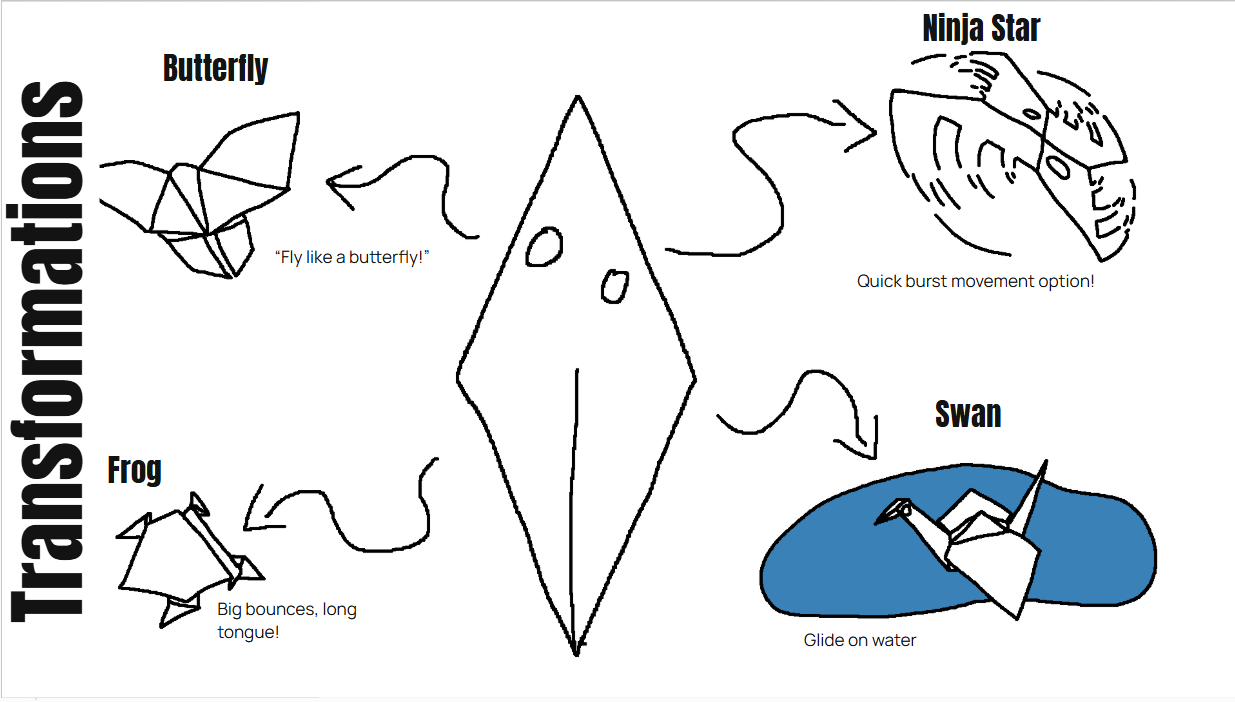
I created the HUD and UI, including the player's health, gold stars, ninja star cooldown visual, and tabs that open showing a player's tasks and recipes. I also created the recipe system where players can get pieces of a recipe to gain new transformations.
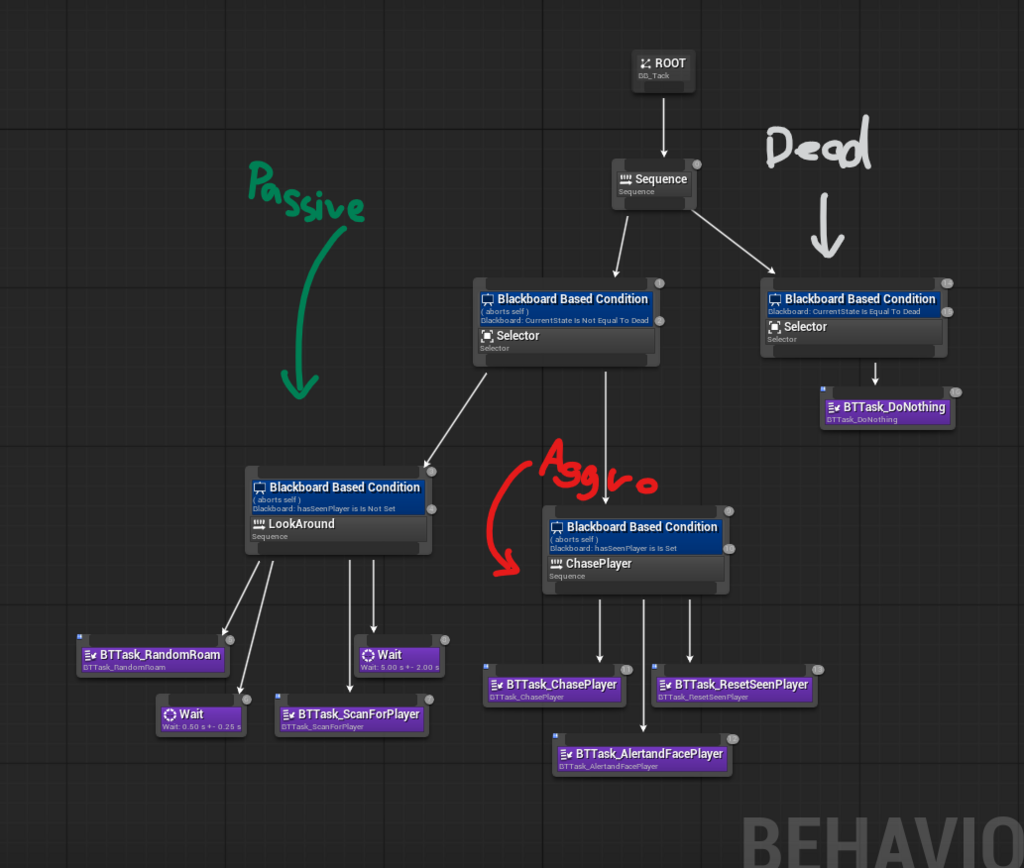
I have never worked with Unreal Engine enemy behavior in depth, and was afraid to try it out as documentation is difficult to get through and I did not know anyone who had experience with AI. There is nothing more terrifying than a blank page...or blueprint that I have no idea what to do with. However, I decided to start with the basics. I've used the AI MoveTo tool before, and translating that into the Unreal system of Behavior Trees was not very difficult. Then, I had to make sure the enemy can see the player, so I researched and added a Pawn Sensing component to the enemy, which triggers an event every time a player is seen. When this event happens, the enemy goes from passive to aggressive, chasing after the player and trying to administer a hit.
Once that had been completed, I had to program all of these animations. Our amazing 3D modelers sent me the cutest animations ever, so all I had to do was program the logic that changed the animations when necessary. I created my own Enumeration state to easily track what state the AI is in, and started with Idle and Attack modes to check if the AI was passive or aggressive. This is a built-in Unreal data system that lets me track custom states, like how the basic player character can be Walking, Flying, Crouching, etc.


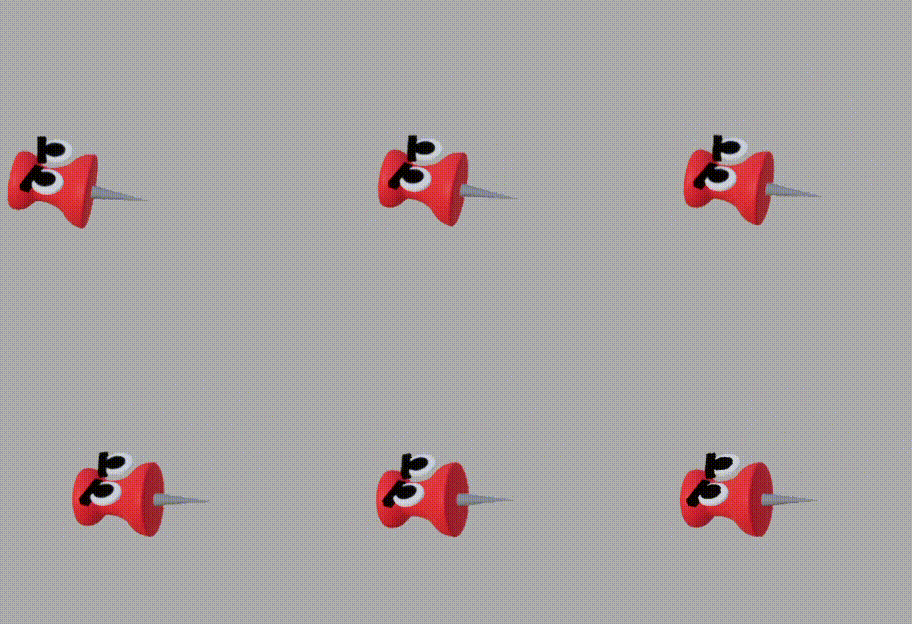
I felt that the AI moved well, how I intended, but it lacked a lot of style. It would hover and then move, then chase the player if it saw the player, but it had no other behavior. I decided to add a Scanning animation, so that when the enemy is idle it will still be moving, looking for the player, as well as a custom walking animation rather than just hovering and moving. The enemies are designed after office supplies that harm paper, so there is a thumbtack and a pair of scissors. The thumbtack hops along while the scissors open and close to move.
The next issue was that when the enemies died, they just disappeared. It was very non-immersive, so I had the modelers give me death animations, where the enemy falls onto the ground. I had a lot of difficult implementing this, since I am still a beginning at behavior trees, and the enemies would not stay dead. They would fall to the ground and get up and keep looking for the player, which is not what I wanted. I eventually fixed this by refactoring the behavior tree to stay dead when the enemy is detected dead, rather than changing to other behaviors, as well as have a check before any behavior code runs to see if the enemy is still alive.
I have never worked with Unreal Engine enemy behavior in depth, and was afraid to try it out as documentation is difficult to get through and I did not know anyone who had experience with AI. There is nothing more terrifying than a blank page...or blueprint that I have no idea what to do with. However, I decided to start with the basics. I've used the AI MoveTo tool before, and translating that into the Unreal system of Behavior Trees was not very difficult. Then, I had to make sure the enemy can see the player, so I researched and added a Pawn Sensing component to the enemy, which triggers an event every time a player is seen. When this event happens, the enemy goes from passive to aggressive, chasing after the player and trying to administer a hit.
Once that had been completed, I had to program all of these animations. Our amazing 3D modelers sent me the cutest animations ever, so all I had to do was program the logic that changed the animations when necessary. I created my own Enumeration state to easily track what state the AI is in, and started with Idle and Attack modes to check if the AI was passive or aggressive. This is a built-in Unreal data system that lets me track custom states, like how the basic player character can be Walking, Flying, Crouching, etc.


I felt that the AI moved well, how I intended, but it lacked a lot of style. It would hover and then move, then chase the player if it saw the player, but it had no other behavior. I decided to add a Scanning animation, so that when the enemy is idle it will still be moving, looking for the player, as well as a custom walking animation rather than just hovering and moving. The enemies are designed after office supplies that harm paper, so there is a thumbtack and a pair of scissors. The thumbtack hops along while the scissors open and close to move.
The next issue was that when the enemies died, they just disappeared. It was very non-immersive, so I had the modelers give me death animations, where the enemy falls onto the ground. I had a lot of difficult implementing this, since I am still a beginning at behavior trees, and the enemies would not stay dead. They would fall to the ground and get up and keep looking for the player, which is not what I wanted. I eventually fixed this by refactoring the behavior tree to stay dead when the enemy is detected dead, rather than changing to other behaviors, as well as have a check before any behavior code runs to see if the enemy is still alive.
Lorem ipsum dolor sit amet, consectetur adipisicing elit. Maiores ipsum repellat minus nihil. Labore, delectus, nam dignissimos ea repudiandae minima voluptatum magni pariatur possimus quia accusamus harum facilis corporis animi nisi. Enim, pariatur, impedit quia repellat harum ipsam laboriosam voluptas dicta illum nisi obcaecati reprehenderit quis placeat recusandae tenetur aperiam.